The choice starts from the device to be installed
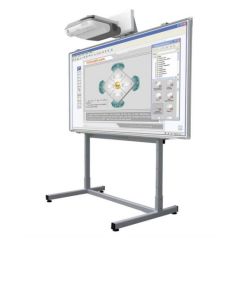
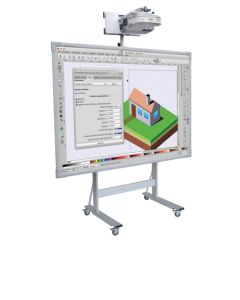
The first step consists in precisely identifying the technology that the cart will have to support. A traditional interactive whiteboard may require a different structure than a large-format touch monitor, especially in terms of weight, fixing points and load distribution. The presence of a video projector also changes the overall configuration of the station. Before comparing the models, it is therefore necessary to collect the technical characteristics of the devices already present in the school or of those that will be purchased together with the support.
The commercial definition of universal support should not replace this verification. A cart can be designed to accommodate numerous models of interactive whiteboards and monitors, but must still respect the dimensional and load-bearing limits declared by the manufacturer. It is also necessary to check how the whiteboard is connected to the structure and whether original brackets or dedicated interfaces are required. Compatibility of the fixing, weight and dimensions of the device are therefore the first data to compare.
Dimensions and load capacity must be checked before purchasing
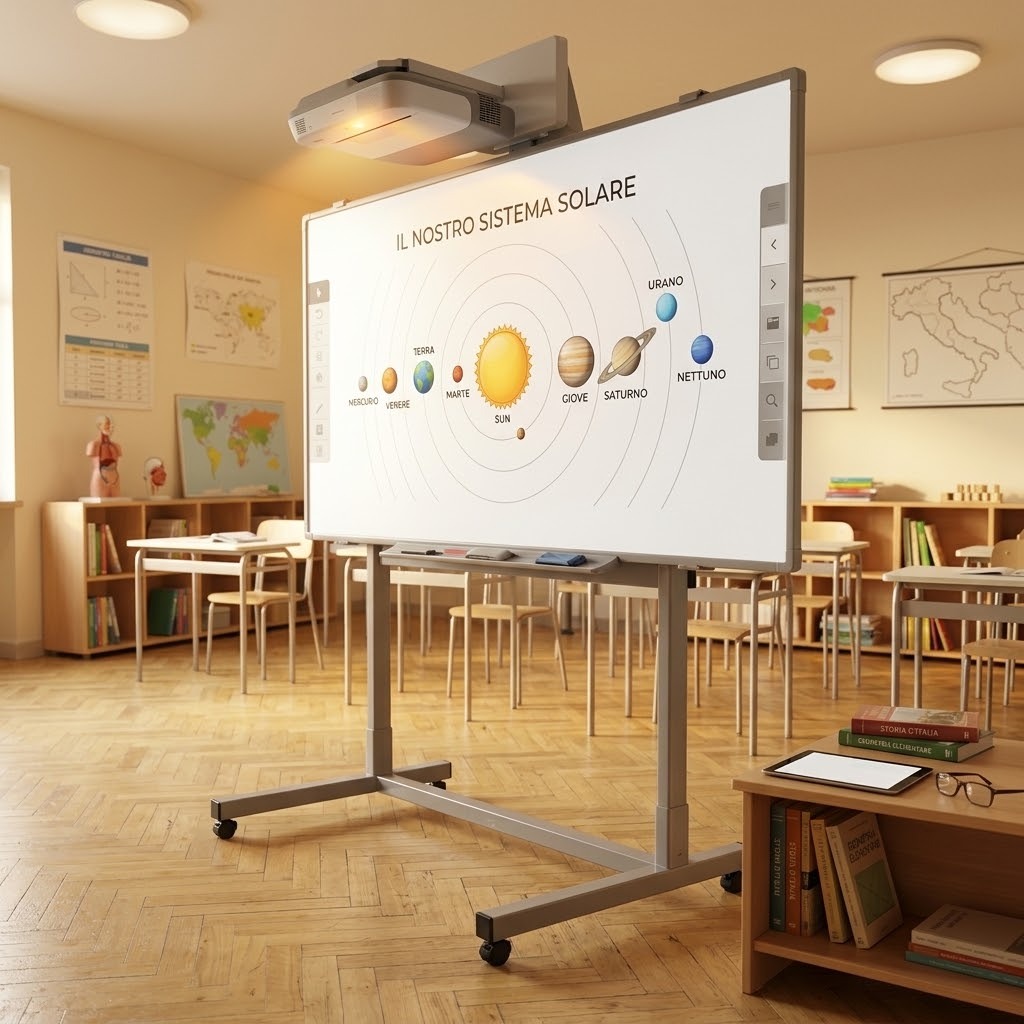 The size of the screen is not enough to determine whether a trolley is suitable. Two monitors with the same diagonal can have different weights and fixing points, while a traditional IWB can have different proportions and structure compared to an interactive display. It is therefore advisable to read the device and support data sheets simultaneously. In particular, width, height, maximum permitted weight and connection system must be compatible with each other.
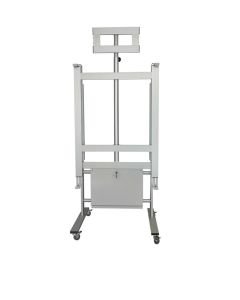
In the Holity catalogue there are, for example, universal trolleys designed for whiteboards and monitors up to 95 inches, with a declared load capacity of up to 60 kg and a structure equipped with height adjustment. These values pertain to the individual models and must not be automatically extended to any IWB trolley. The most important data always remains that reported in the technical data sheet of the support you intend to purchase. A preliminary check allows you to avoid both an undersized product and a structure that is unnecessarily bulkier than necessary.
A mobile cart allows you to share technology between multiple classrooms
Mobility becomes particularly interesting when a school does not have an interactive whiteboard or an interactive monitor for each classroom. A single station can be moved between classrooms, laboratories, and training rooms according to the scheduled activities. This approach makes the equipment less tied to a single environment and allows for more easily reconfigured spaces. The choice of cart, however, must take into account the frequency with which these moves will occur during the week.
If the station is moved frequently, weight and overall size become more important. A very large structure may be perfectly stable during use but impractical when crossing doors and corridors. Even small differences in level or thresholds can affect the daily management of the wheels. For this reason, actual mobility must be assessed over the entire route between classrooms, not just within the room where the trolley is used.
Wheels and brakes affect the stability of the station
The movement system is one of the most important elements in a mobile station. The wheels must facilitate movement when the trolley is transferred and allow the structure to remain stable once positioned. The presence of locking systems helps reduce unwanted movements during use of the whiteboard. The number, arrangement and diameter of the wheels must, however, be assessed together with the base and the overall weight of the station.
The professional trolleys in the Holity catalogue include configurations with lockable wheels equipped with brakes, designed to combine movement and stabilisation of the structure. Holity, a specialist in professional supplies for schools, universities and training spaces, offers models with different characteristics precisely because the context of use can change significantly. A school that moves the IWB daily has different needs from an institute that almost always uses the trolley in the same classroom. The wheel system must therefore be read in relation to the frequency of movements and the configuration of the installed device.
Height adjustment makes the support more flexible
The possibility of adjusting the height of the whiteboard or monitor allows the workstation to be adapted to different environments and methods of use. This aspect can become particularly useful when the same trolley is shared between classes with different needs. A surface placed too high or too low can in fact be less practical during direct interaction. Before purchasing, it is therefore necessary to check not only whether the adjustment is present, but also how it is made.
Some structures allow the height to be set during assembly, while others have systems that allow more frequent adjustments. This is a significant operational difference when the workstation changes classroom frequently. Even the position of the video projector must remain consistent with that of the interactive surface. Available range, adjustment modes and installed devices must therefore be considered as parts of the same system.
IWBs and interactive monitors do not always require the same configuration
The progressive diffusion of interactive monitors has made the choice of mobile supports more complex. A traditional IWB can work together with a projector, while a touch display directly integrates the viewing and interaction surface. This changes the weight, thickness, wiring, and components to be placed on the cart. Using the same configuration for both technologies without checking their characteristics can lead to an impractical solution.
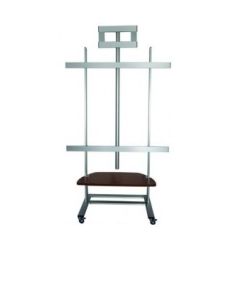
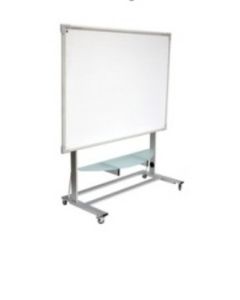
The Holity catalog includes both IWB structures and supports for large-format touch monitors. This allows you to select the cart based on the technology actually used by the school. The decisive point is not the generic name of the product, but the compatibility between support and equipment. A station designed for the actual device is easier to organize and move than a solution chosen solely because it is defined as universal.
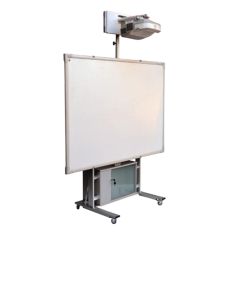
When the IWB is used together with a video projector and computer, the cart must be considered a true multimedia station. The whiteboard support is only one part of the configuration, because the position of the projector and the device used to manage the content must also be identified. Shelves and racks can reduce the need for separate tables. This makes the entire station easier to move between rooms.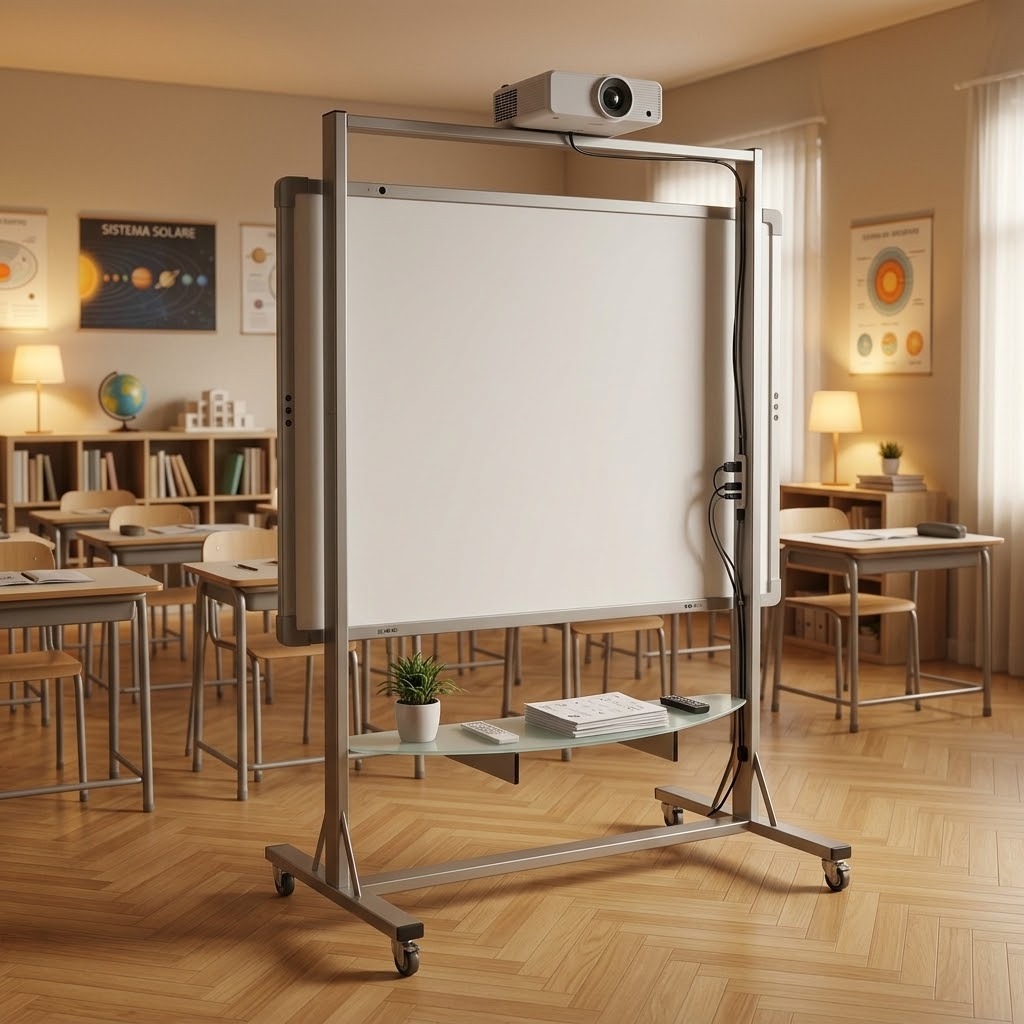
The presence of the video projector requires particular attention to the system provided for its mounting and to the geometric relationship with the surface of the IWB. For the notebook, however, it is important to check the dimensions and position of the shelf, avoiding that the operating area interferes with the movement of the trolley. Some professional models integrate large shelves specifically to accommodate additional components of the station. The IWB, projector and notebook must therefore be designed as a whole, especially when the goal is to share the same equipment between multiple classes.
The overall dimensions of the cart affect both its use and its ability to be moved. A wide structure can provide a stable base, but it must be able to easily pass through the doors along the route. Depth and height also become important when there are cabinets, desks, fire doors or other elements that reduce the maneuvering space. Measuring the spaces in advance avoids discovering incompatibilities only after delivery.
Within the classroom, it is also necessary to identify a position that allows the interactive surface to be used without making passages difficult. The base of the cart takes up a larger surface area than the whiteboard alone and must be considered in the arrangement of the desks. When the station includes shelves or a video projector, the footprint may increase further. Stand dimensions and classroom layout must therefore be compared before ordering.
Materials and structure affect daily management
A cart used in a school setting must support electronic devices and withstand repeated movements, so the construction of the structure plays a concrete role in the evaluation. Aluminum and steel are frequently used in professional stands to achieve a balance between rigidity, load capacity and weight. The overall quality, however, also depends on the base, joints, wheels and fastening systems. The material alone, therefore, does not allow us to establish which product is most suitable.
It is also useful to observe the configuration of the vertical columns and the interfaces that connect the screen and stand. A structure designed for a certain load capacity must remain stable even when adjusted or moved. Finishes and components must also be consistent with the frequent use typical of school environments. The choice should therefore favor the solidity of the overall configuration and features documented in the technical data sheet, rather than being based on a single construction specification.
The final comparison must start from the actual use of the school
Before comparing prices, it is useful to define the device to be installed, its dimensions, weight, the number of classrooms involved, and the frequency of movements. Subsequently, the height adjustment, wheel system, any shelves, and provision for the video projector can be evaluated. This method avoids putting trolleys designed for different needs on the same level. The price thus becomes the last element of the comparison, after excluding products that are incompatible with the project.
Holity, a leader in professional supplies for schools and training facilities, offers IWB trolleys, supports for interactive monitors, and configurations designed for multimedia systems with different characteristics. Choosing a IWB trolley therefore means finding a balance between compatibility, mobility, stability and workstation organisation. A careful check of the technical data sheets allows you to narrow down the selection to models that are truly suited to the institution's equipment. In this way, the mobile workstation can become a functional tool for sharing technology between classrooms without subsequently adapting the spaces to a support chosen solely on the basis of price.
 English
  Italian
 French
 German
 Spanish