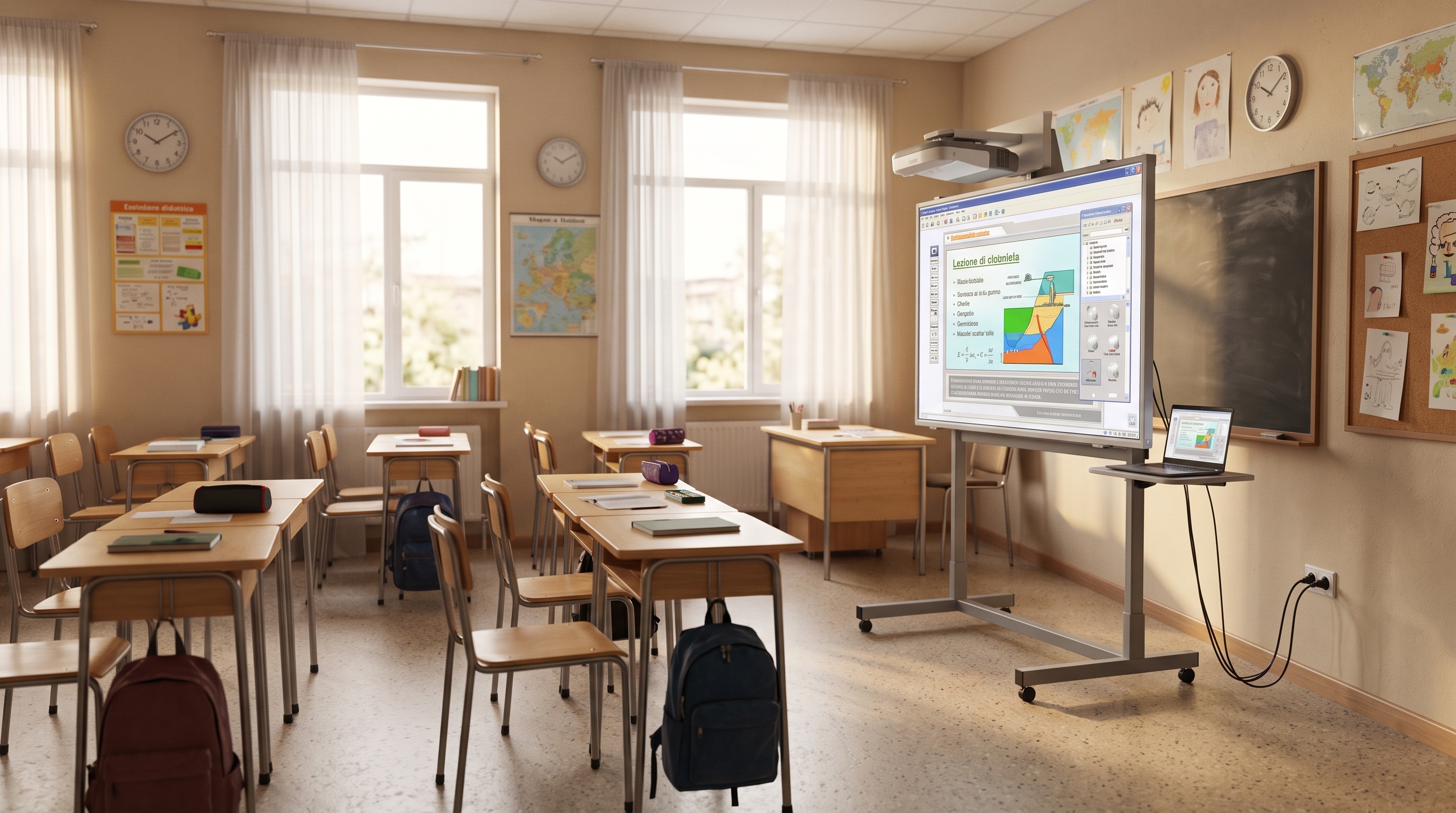
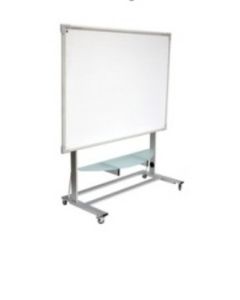
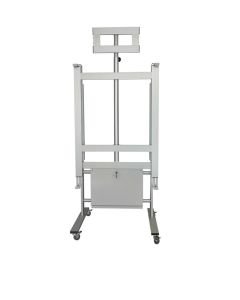
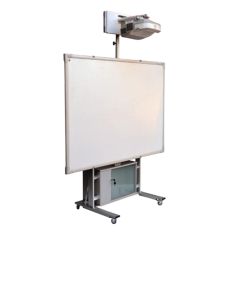
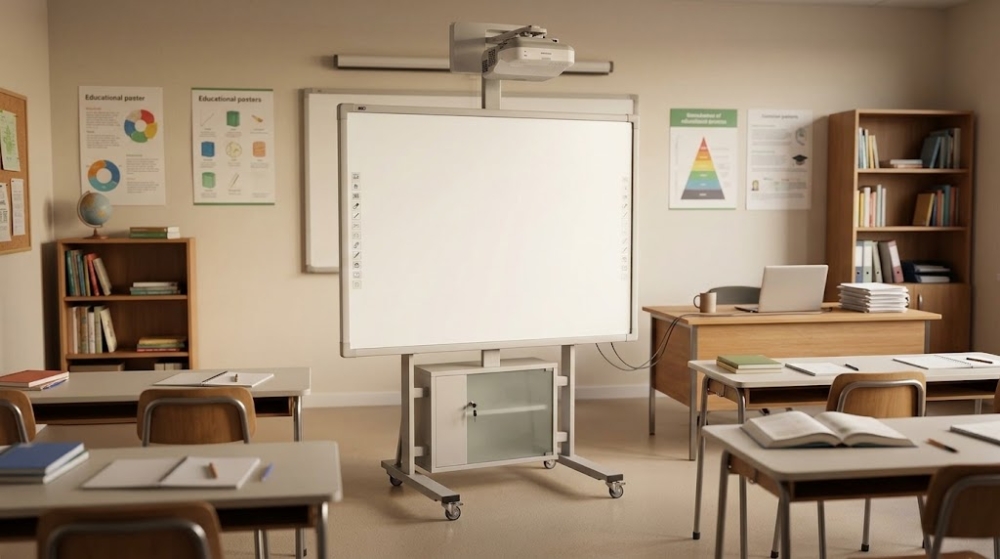
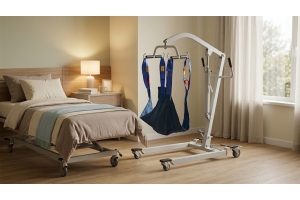
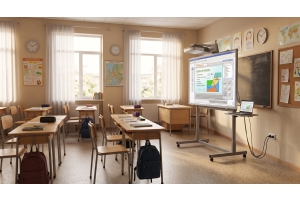
A multimedia station shared between multiple classrooms must be designed as a system, not as a simple sum of devices placed on a trolley. Notebook, video projector, any monitor or interactive whiteboard, accessories and connections must be arranged in a manner consistent with the way the institution intends to use the equipment. The trolleys for interactive whiteboards and video projectors for school respond precisely to the need to organize the equipment in a mobile structure, reducing the need to set up a complete station in each room.
The choice, however, requires a preliminary analysis. The number and size of the shelves, compatibility of the supports, organization of the cables, wheels and overall size affect the daily operation of the station. A trolley may be adequate from a dimensional point of view but impractical to move along the routes actually used in the school. Designing the workstation starting from the equipment and the expected movements allows you to identify a solution that is more consistent with the organization of the institute.
Start from the teaching activities and not from the cart
Before comparing the models, it is useful to establish how the workstation will be used. One institute may need to transfer a notebook and a video projector between traditional classrooms, while another configuration may include display devices and additional accessories. Weight, size, number of surfaces required and connection methods therefore change. Defining the equipment in advance avoids purchasing a cart that subsequently requires poorly functional adaptations.
The frequency of movements must also be considered. A workstation used occasionally in nearby rooms has different needs than a system moved several times a day between floors or sections of the building. In the latter case, movement and speed of setup become central criteria. The cart must be evaluated for what happens during the entire cycle of use: preparation, transport, positioning in the classroom and subsequent transfer.
Define which devices must travel together
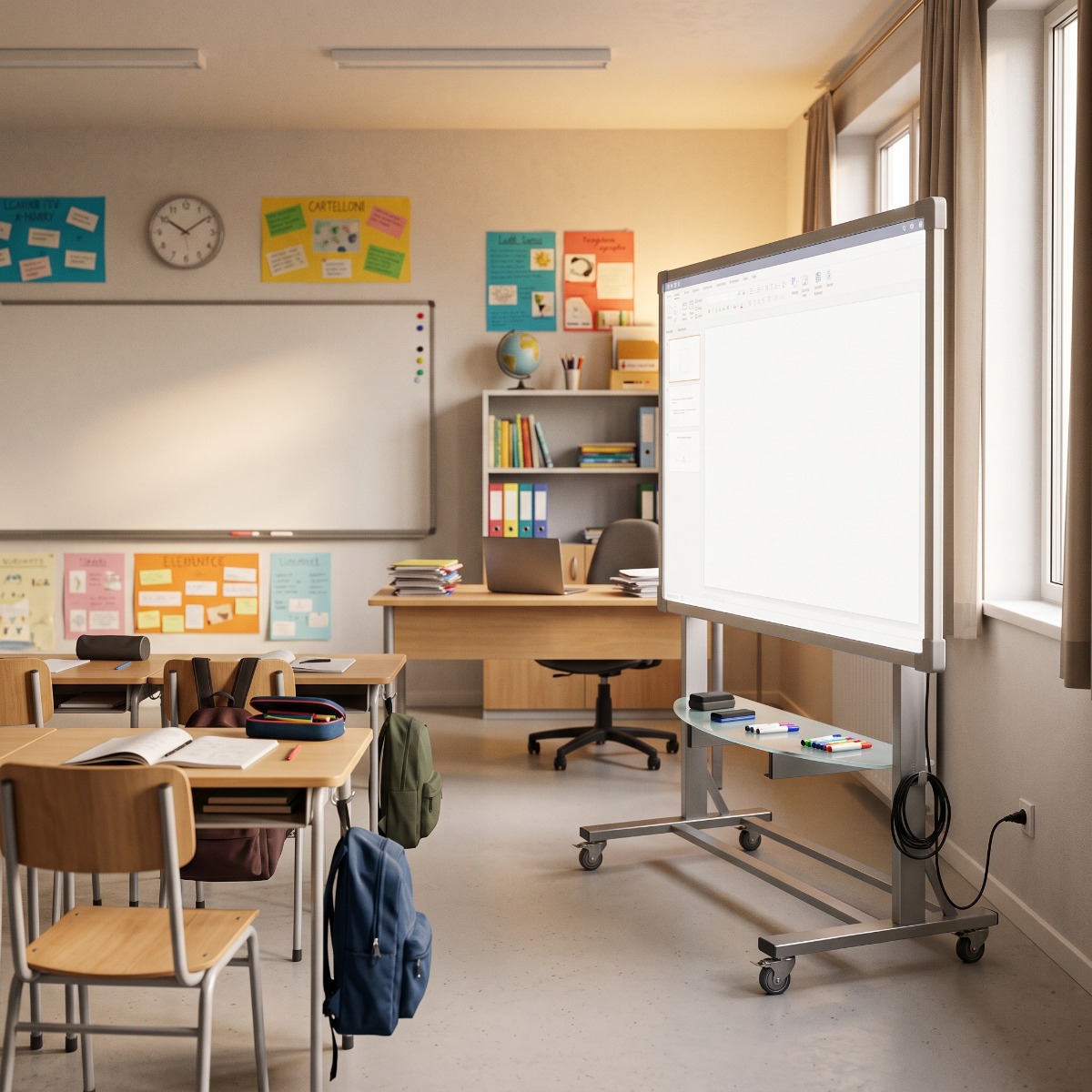 The workstation should include only the equipment that really needs to be moved together. Notebooks, video projectors and support devices can form the operational core, while other equipment may already be present in the individual classrooms. This distinction allows you to avoid an oversized structure and makes it easier to organize each component in a stable and easily accessible position.
To build an effective configuration, it is a good idea to measure the dimensions and weight of the equipment before choosing the cart. Compatibility should not be deduced from the appearance of the product, but verified through the relevant technical specifications. Holity, specialist in professional supplies for schools and institutions, represents a point of reference for institutions that must select furniture and equipment functional to the organization of teaching environments.
The shelves determine the way in which the equipment is distributed. Number, dimensions, capacity and position must be compared with the equipment that the cart will have to accommodate. A surface intended for a notebook has different needs than one used for a video projector or for accessories that must remain available during the lesson. Before purchasing it is therefore necessary to check the characteristics declared for the individual model.
The arrangement should also follow the sequence of use. Tools that require frequent interaction must be easily accessible, while components used only during setup can occupy different positions. A good layout reduces the manipulations required before and after class and limits the need to continually move one device to reach another.
Evaluate the height and position of the notebook
When the notebook is used directly by the teacher while it remains on the trolley, the position of the shelf becomes particularly important. The device must be able to be opened and used according to the intended configuration without interfering with any supports or equipment placed above. The height and dimensions of the surface must therefore be checked before defining the setup.
If the trolley is used only for transport and the notebook is subsequently transferred to the teacher's desk, the needs change. It is precisely the working method that determines which configuration is most suitable. The multimedia cart must follow the teaching routine of the institution, rather than forcing teachers to change the arrangement of the equipment each time.
Integrating the video projector into the mobile station
The video projector requires a surface compatible with its dimensions and with the conditions of use indicated by the manufacturer. If it is used directly from the cart, the position of the station within the classroom must also allow for the planned projection. Distances, orientation and connections depend on the equipment and the configuration of the environment, therefore they cannot be defined through a rule valid for each institution.
When the same station serves different classrooms, it is necessary to verify that the system remains practical even when the layout of the spaces changes. An effective configuration in a very large classroom may be less comfortable in an environment with limited passageways. The trolley and video projector must be considered as parts of the same operating setup, checking the dimensions and positioning methods beforehand.
Supports for IWBs and monitors: always check compatibility
 When the project includes a IWB, a monitor or a other display device, the support becomes a structural component of the station. Not all trolleys are designed to accommodate the same devices and it is not correct to assume that a mobile support is universally compatible. Dimensions, weight and fixing system must be compared with those declared by the manufacturer of the support and the equipment.
The ’usable height and the overall configuration also deserve attention. The integration of a screen changes the center of gravity, the footprint and the ways in which the station is moved. For this reason, the solution should be selected as a complete system. Technical compatibility comes before versatility: adding devices to a structure not designed to support them is not a correct layout strategy.
Organize the cabling as part of the design
The connections between notebooks, video system and power supply can become one of the least practical aspects of a shared workstation. If each move requires collecting separate cables, checking where they have been stored and completely rebuilding the connections, part of the advantage of mobility is lost. The design should therefore include from the outset how to organize the cables necessary for the operation of the equipment.
The goal is to keep the workstation tidy without creating connections that hinder movement or routes in the classroom. Any systems for cable passage and management must be verified on the chosen model. Organized cabling reduces repetitive operations and makes it easier to understand which connections belong to the workstation, especially when the cart is used by different teachers.
Separate the cables used during transport from those needed in the classroom
Not all connections have the same function during the different phases of use. Some may remain associated with the equipment, while others are necessarily connected only when the cart reaches the classroom. Distinguishing these two categories helps to avoid cables left loose during movements or accessories placed haphazardly on the shelves.
The configuration must in any case comply with the indications of the equipment manufacturers and the procedures adopted by the institution. It is not It is advisable to create improvised wiring systems to reduce preparation times. Order and safety must go together: the advantage of a mobile station lies in the standardization of operations, not in the unforeseen modification of electrical or audiovisual connections.
Provide space for power supplies and small accessories
A multimedia station often includes less visible but essential components: power supplies, remote controls, adapters and other accessories related to the installed devices. If a precise position is not foreseen, these elements tend to be moved between classrooms, drawers and cupboards, increasing the risk that the station arrives at its destination incomplete.
The trolley should therefore also be evaluated for the possibility of organizing what does not occupy the main shelves. Any available compartments or surfaces must be checked on the model's technical data sheet. Holity offers professional solutions for the organization of school environments that can be evaluated based on the technological equipment and the operating methods defined by the institution.
The wheels determine the actual mobility of the trolley
 A structure equipped with wheels is not automatically suitable for any school route. The diameter and configuration of the wheels, the overall weight of the station and the characteristics of the floor can affect movement. Cart specifications must be verified together with the weight of the equipment that will be installed, respecting the capacities indicated by the manufacturer.
It is also useful to observe the actual route between classrooms. Doors, corridors, changes of direction and other restrictions determine how easily the cart can be moved. Mobility must be evaluated along the entire route and not just within the classroom. A station that moves easily in an open space may be less practical along articulated routes.
Locking systems and stability during the lesson
Once the position of use has been reached, the station must be able to remain stable according to the configuration foreseen by the model. The presence and type of any wheel locking systems must be verified in the technical data sheet. This aspect is particularly important when equipment used directly during the lesson remains on the cart.
Stability also depends on how the devices are distributed and on compliance with the expected load capacities. It is not correct to arbitrarily change the layout by loading the shelves beyond their limits or installing incompatible supports. The station must be mobile during transfer and correctly positioned during use, two requirements that must be considered simultaneously when choosing.
Measure doors and passages before purchasing
The overall size is one of the simplest data to verify and, at the same time, one of the easiest to underestimate. The width and depth of the trolley must be compared with doors, corridors and passage points along the expected routes. If the system includes a monitor or other protruding elements, it is It is necessary to consider the complete configuration and not just the base.
This check is particularly useful in school buildings made up of rooms built or renovated in different periods. The routes may have non-uniform characteristics and a trolley compatible with one part of the complex may encounter difficulties elsewhere. Measuring first means avoiding the mobility promised by the project being limited by the actual architecture of the building.
Creating a standard configuration for multiple teachers
The Sharing between multiple classrooms often implies sharing between multiple teachers. If everyone finds cables, accessories and equipment arranged differently, the time needed to start the lesson increases. Defining a stable position for each element makes the station more legible and reduces the variations introduced during daily use.
Standardization can It should also cover the operations to be performed before and after moving, without turning them into a complex procedure. The principle is simple: each component must have a recognizable location and the station must be returned to its intended configuration. A shared cart must be intuitive even for those who do not use it every day, otherwise the flexibility risks translating into continuous adjustments.
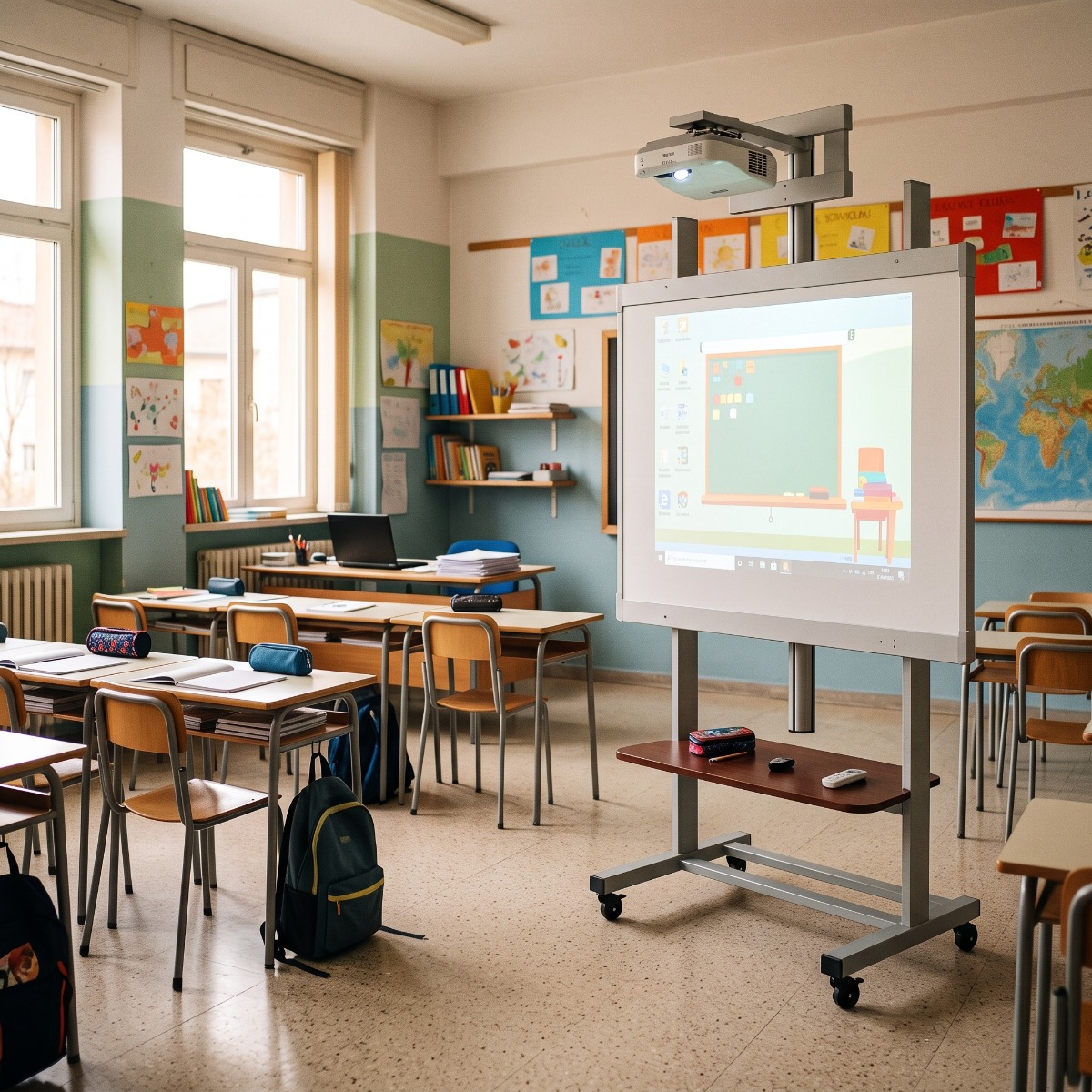 When equipment is used in multiple environments, it is also necessary to consider how it is stored when the cart is not in service. Any locking systems or features dedicated to the protection of the equipment must be verified on the individual model. Not all carts offer the same configuration and the choice must reflect the internal procedures of the institution.
It is It is also useful to identify an area where the station can be placed at the end of activities without obstructing corridors or spaces intended for other functions. Movement and storage are part of the same project. A solution designed only for the lesson remains incomplete if it is not clear where and how it will be managed during the rest of the day.
When a mobile station is preferable to fixed equipment
The multimedia cart it can be particularly useful when certain equipment is used on a rotation basis and it is not necessary to replicate it in each classroom. In this scenario, mobility allows resources to be shared between multiple classes and the use calendar to be organised. The convenience of the solution, however, depends on the frequency with which multiple teachers need the same equipment at the same time.
If the simultaneous demand is high, a single cart can be used. become a limitation rather than a resource. The institution should therefore evaluate timetables, number of classrooms and type of activities before establishing how many workstations are needed. Mobility is effective when it corresponds to the actual teaching organization, not when it is used only to reduce the number of equipment without considering the times of use.
Mistakes to avoid when setting up the cart
A common mistake is to purchase the cart first and then decide which devices to install. This approach can generate problems of space, capacity or compatibility. It is preferable to define the equipment first and compare its dimensions and weight with the specifications of the structure. Even neglecting the clutter of cables and power supplies can make the workstation less tidy than expected.
A second mistake is to evaluate mobility by only observing the presence of wheels. Paths, doors, any elevators and floor surfaces must be included in the choice. Finally, it is not very functional to create a workstation full of equipment that requires numerous operations before each use. Compatibility, order and simplicity of preparation are more useful criteria than the quantity of devices concentrated on the same support.
The choice of multimedia trolleys for schools should start from a precise configuration of the equipment and the paths that the workstation will have to face. The number and dimensions of the shelves, compatible supports, organization of the wiring, load capacity, wheels and overall dimensions must be verified through the technical characteristics of the model. Only subsequently is it possible to evaluate which solution best responds to the modalities. with which the institute shares its equipment.
Holity, specialist in professional supplies for schools and institutions offers solutions for the functional organization of school environments and related equipment. A well-designed multimedia cart is not simply used to transport notebooks and audiovisual devices: it creates an organized mobile teaching station, ready to be transferred between the designated environments with a recognizable configuration. It is this systemic approach that makes mobility within the school truly useful.
 English
  Italian
 French
 German
 Spanish